🎁New User Welcome Offer: Get 3 Premium Tournament Entries FREE ($5+) and keep everything you win. No deposit required.🎁New User Welcome Offer: Get 3 Premium Tournament Entries FREE ($5+) and keep everything you win. No deposit required.🎁New User Welcome Offer: Get 3 Premium Tournament Entries FREE ($5+) and keep everything you win. No deposit required.🎁New User Welcome Offer: Get 3 Premium Tournament Entries FREE ($5+) and keep everything you win. No deposit required.
Once you've tested free tournaments, you might want to enter paid competitions with bigger prize pools. This guide walks you through every deposit method.
Deposit Methods Overview
Kokomo accepts multiple payment methods:
| Method | Speed | Fees | Best For |
|--------|-------|------|----------|
| Crypto (USDC/USDT) | Instant | Network gas only | Crypto users |
| Card (Visa/MC) | Instant | ~3% processing | Quick deposits |
| Apple Pay | Instant | ~3% processing | iOS users |
| Google Pay | Instant | ~3% processing | Android users |
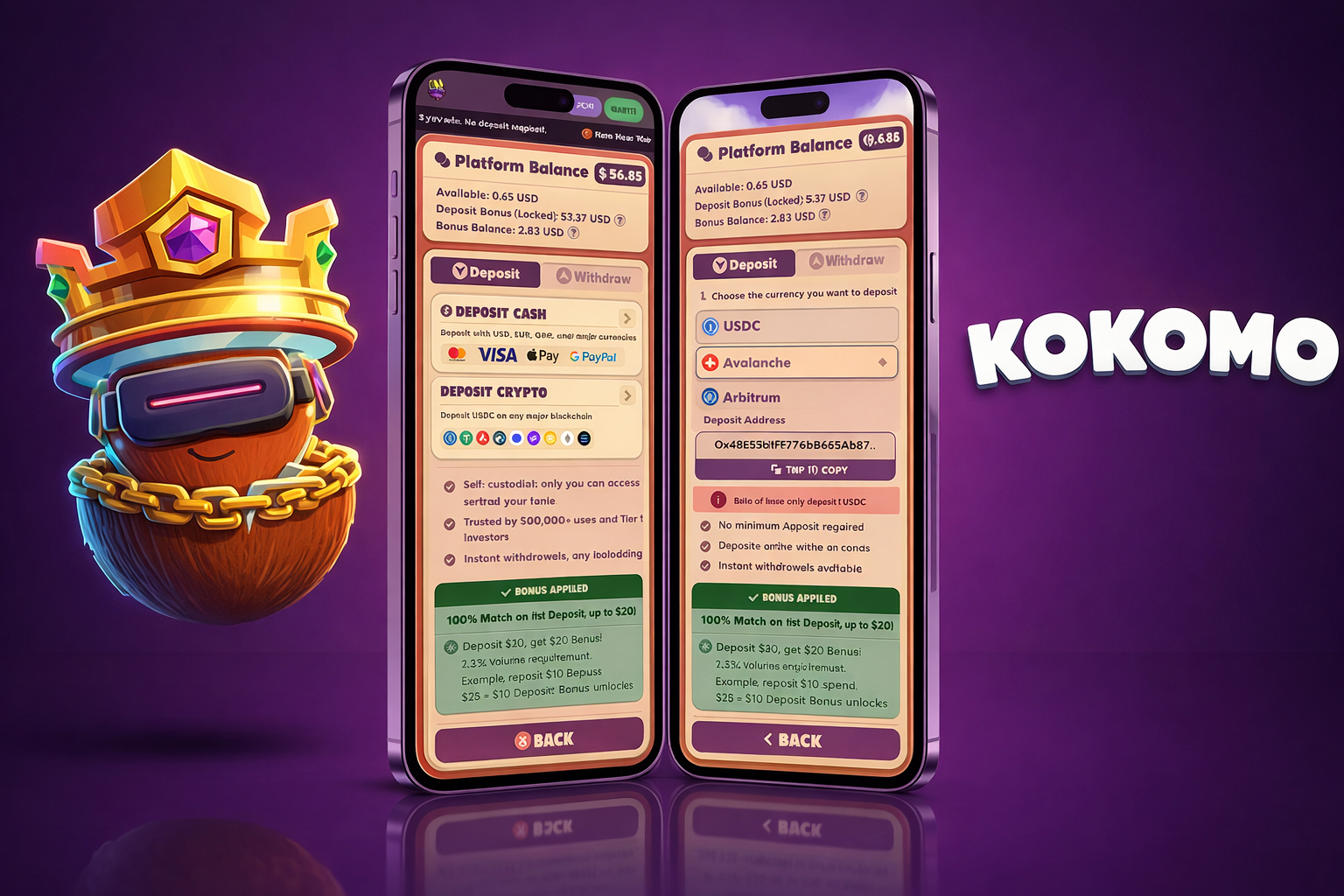
Method 1: Crypto Deposit
Best for: Users who already have USDC or USDT
Requirements:
- USDC or USDT on Avalanche C-Chain
- A crypto wallet (MetaMask, Rabby, etc.)
Steps:
1. Log into Kokomo Games
2. Click "Deposit" in your account menu
3. Select "Crypto"
4. Copy your unique deposit address
5. Send USDC or USDT from your wallet to that address
6. Wait for blockchain confirmation (usually under 1 minute)
7. Funds appear in your Kokomo balance
Important:
- Only send USDC or USDT
- Only use Avalanche C-Chain network
- Sending wrong tokens or using wrong network may result in lost funds
Fees: Just the Avalanche network gas fee (usually under $0.05)
Method 2: Card Deposit
Best for: Users without crypto who want to start quickly
Requirements:
- Visa or Mastercard debit/credit card
Steps:
1. Log into Kokomo Games
2. Click "Deposit"
3. Select "Card"
4. Enter the amount you want to deposit
5. Enter your card details
6. Complete any verification (3D Secure)
7. Funds appear instantly
Fees: Approximately 3% processing fee (included in the transaction)
Example: To have $10 in your account, you'll pay roughly $10.30
1. Open Kokomo on your phone
2. Tap "Deposit"
3. Select Apple Pay or Google Pay
4. Enter amount
5. Authenticate with Face ID / fingerprint
6. Done
Fees: Same as card (~3%)
How Much Should You Deposit?
First-time recommendation: $5-10
This lets you:
- Enter 10-50 low-stakes tournaments
- Test the withdrawal process
- Build confidence before adding more
Don't deposit:
- More than you can afford to lose
- Your entire gaming budget at once
- While tilted after losses
No Minimums
Kokomo doesn't have deposit minimums. You can deposit $1 if you want. However, card processing fees make very small deposits inefficient.
Efficient deposit amounts:
- Crypto: Any amount (gas fees are tiny)
- Card: $10+ (so the 3% fee is worth it)
After Depositing
Your balance updates immediately. You can now:
1. Enter any paid tournament
2. Choose your entry fee level ($0.10 to $25+)
3. Compete for the prize pool
4. Withdraw winnings anytime
Withdrawing Your Funds
Quick overview (full guide separate):
Withdrawals go to your crypto wallet
No minimum withdrawal
No withdrawal fees
Instant processing
You'll need a wallet address on Avalanche C-Chain
If you deposited via card and don't have a crypto wallet, you'll need to set one up before withdrawing. MetaMask is the easiest option.
Troubleshooting
Deposit not showing:
- Crypto: Check the transaction on Snowtrace (Avalanche explorer)
- Card: Check your bank statement for the charge
- Contact support on Discord if stuck
Card declined:
- Some banks block gaming transactions
- Try a different card
- Use crypto deposit instead
Wrong network:
- If you sent crypto on the wrong network, contact support immediately
- Recovery may or may not be possible depending on the situation
Ready to Deposit?
Start small, test the system, and scale up as you get comfortable.
Kokomo Pick'em Pro Leagues let you set an entry fee, build a prize pool from your group, and reward the best football predictor. Learn how to set one up, set the right stakes, and run a branded league as an affiliate.
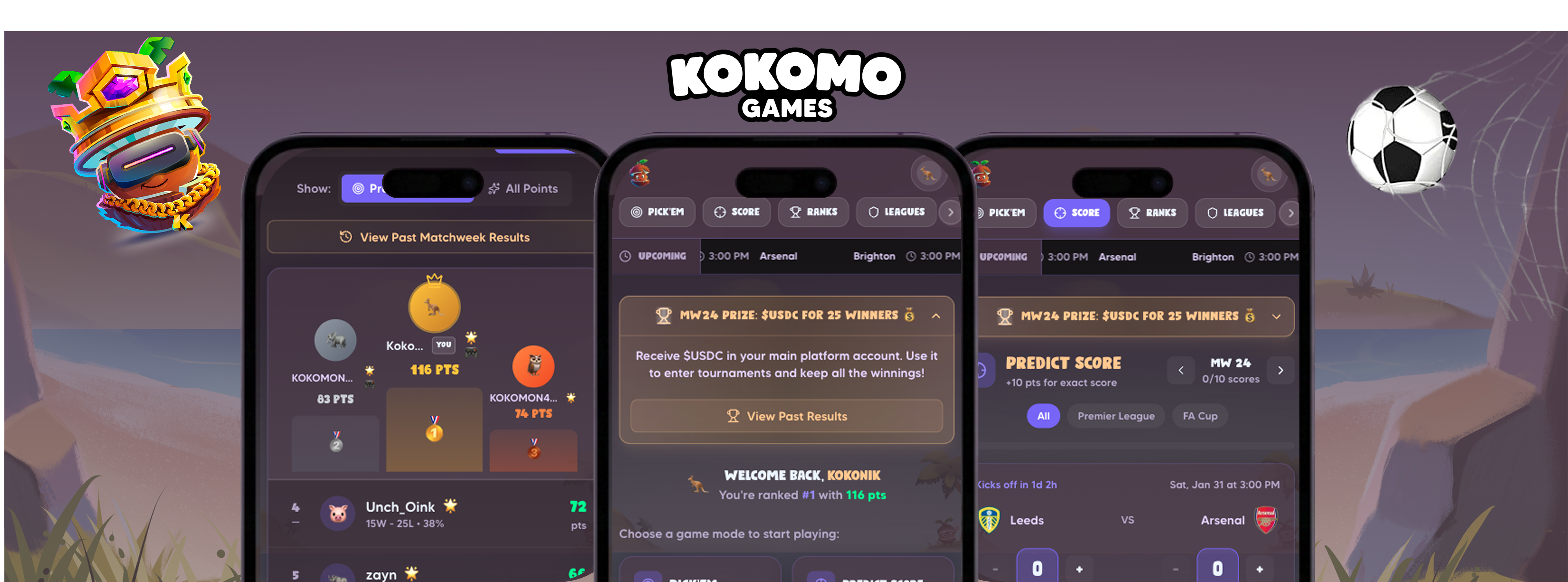
Kokomo Pick'em lets you predict Premier League and FA Cup matches for free and win real cash prizes every week. Learn how the Picks and Scores tabs work, how to use Confidence Picks, and how to compete in leagues with friends.
How to Play Ludo for Money: Rules and Winning Strategies
Master Ludo strategy and compete for real cash prizes. Learn the rules, advanced tactics, and tournament strategies to beat your opponents and win money.
Kokomo Games•
3 min read
Read More →
Ready to Put These Tips to Use?
Join Kokomo Games and start winning real money today