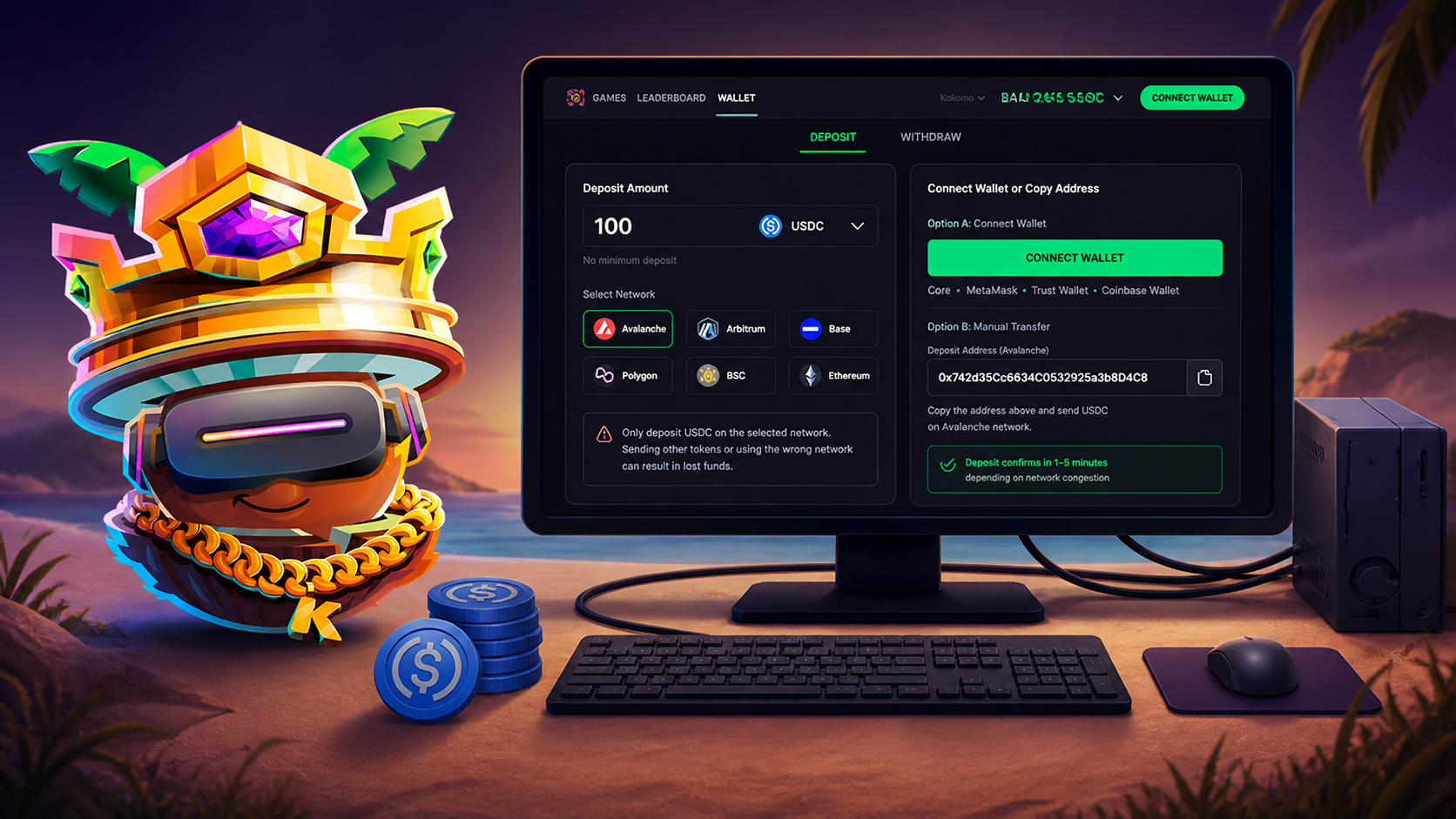
So you've won some USDC playing skill-based games — how do you turn it into cash in your bank account? It's more straightforward than it sounds. This guide walks through every step, including fees, timings and the mistakes to avoid.
First, what is USDC?
USDC is a stablecoin: a cryptocurrency pegged 1:1 to the US dollar and backed by reserves. One USDC is designed to always be worth one dollar. That stability is why it's used for gaming payouts — the value won't swing while you decide what to do with it. When you win a Real Money Match on Kokomo Games, your prize is paid in USDC.
The two-step path from winnings to bank
Getting USDC into your bank account is essentially two moves:
- Withdraw your USDC from Kokomo to a wallet or exchange account you control.
- Sell the USDC for your local currency on that exchange, then withdraw the cash to your bank.
Let's break each one down.
Step 1: Withdraw your winnings from Kokomo
In the Kokomo wallet, choose withdraw and enter the destination address — your own wallet, or the USDC deposit address from an exchange like Coinbase or Kraken. Kokomo pays withdrawals as USDC on Avalanche, a network with very low fees (typically cents), and processes them the same day.
A couple of things to know:
- Withdrawals unlock after one paid entry — a standard anti-fraud measure. Play at least one Real Money Match first.
- KYC: you'll complete a quick identity check before your first withdrawal.
Tip: If it's your first withdrawal, send a small test amount, confirm it lands, then withdraw the rest with confidence. On-chain transfers can't be reversed.
Step 2: Convert USDC to cash and send it to your bank
Once the USDC is in your exchange account:
- Sell the USDC for your local currency (USD, GBP, EUR) — usually a "Sell" or "Convert" button. Because USDC is pegged to the dollar, you'll receive close to face value, minus a small spread.
- Withdraw the cash to your linked bank account — ACH in the US, Faster Payments in the UK, SEPA in the EU.